DJIHS Enrollment System
Not deployedA full enrollment management system for a high school: multiple user roles, authentication, student records, enrollment workflows, reporting, and audit logs. Not just a CRUD tutorial: a real organizational system.
- PHP
- MySQL
- JavaScript
- RBAC
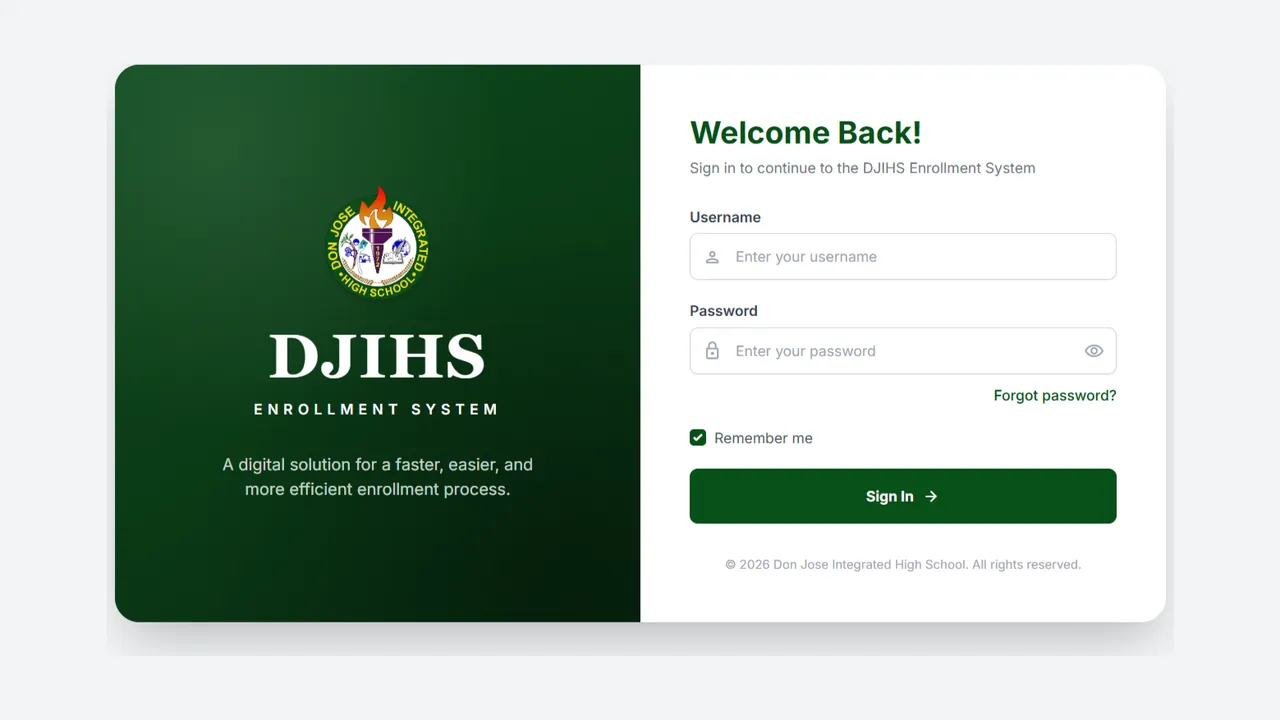
The DJIHS Enrollment System is a role-based enrollment management system built for a high school. It’s designed as a real organizational system rather than a CRUD demo: multiple roles, real workflows, and the record-keeping a school actually needs.
The system
- Roles & access: role-based access control (RBAC) separating what administrators, staff, and other users can see and do.
- Authentication: secure sign-in gating every workflow.
- Student records: the core data model for students and their information.
- Enrollment workflows: the multi-step process of enrolling and updating students.
- Reporting: summaries and exports for the people running the school.
- Audit logs: a trail of who changed what, and when.
Architecture
The system splits cleanly into a static frontend and a PHP API:
- Frontend: plain HTML, CSS, and JavaScript, organized into role-specific areas (admin, ICT coordinator, adviser, and teacher views), each with its own dashboards and management screens. Feature logic lives in focused JavaScript handlers (enrollment forms, enrollment review, bulk import, student management, audit-log utilities) that talk to the backend over fetch.
- Backend: a PHP API with roughly 30 endpoints, one per action (login, enrollment, students, users, sections, strands, academic year, dashboard stats, exports, and more). A single database config and a shared auth include gate every request, so access checks aren’t copied across endpoints.
- Data: MySQL holds students, users, sections, strands, academic years, enrollments, and the audit trail.
- Access control: RBAC keyed to each role and enforced server-side in the auth layer, not just hidden in the UI.
- Auditing: a dedicated audit-logger helper records who changed what and when, surfaced through an audit-log view.
- Reporting and data exchange: Composer-managed libraries generate Excel exports, including the SF1 school form, and drive bulk student import from a spreadsheet template.
What I learned
This was my first time building a real software engineering project, and the biggest lessons weren’t only technical. I learned how to communicate it to non-technical clients: how to show them what each role does and what the website actually does for them, without leaning on jargon.
It also woke me up to how essential the backend is. So much of whether a system like this holds up comes down to the parts people never see, the authentication, the access rules, the audit trail, and getting those right is what makes it trustworthy.